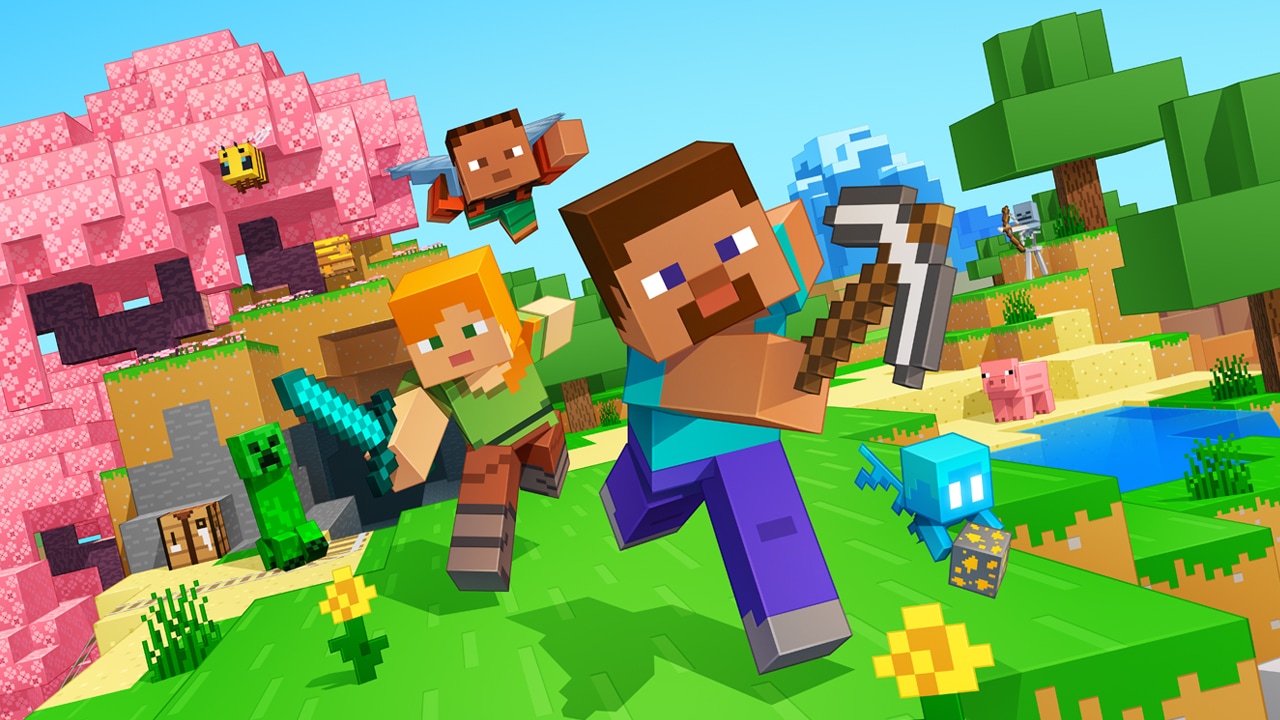
Millions of crafters have smashed billions of blocks! Now you can join the fun!

| Name | Minecraft: Dream it, Build it! |
|---|---|
| Publisher | Mojang |
| Genre | Arcade |
| Version | 1.21.132 |
| Update | March 2, 2026 |
| Get it On | Play Store |
Preview

Minecraft – Explore, Build, and Survive in a Blocky Adventure
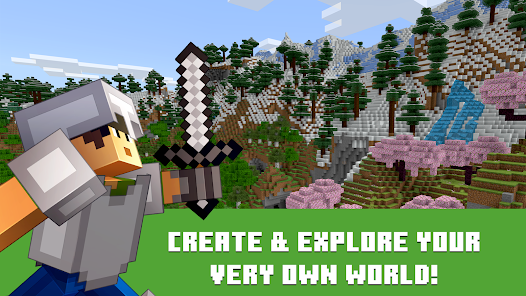
Minecraft has taken the world by storm since its release by Mojang. This sandbox game offers players a pixelated building game experience in a vast, open-world game environment. Whether you’re a builder at heart or a survivalist seeking challenges, Minecraft has something for everyone.
What is Minecraft ?
Minecraft is the mobile version of the world’s best-selling sandbox game. Originally released in 2011, Minecraft brings the full Minecraft experience to your Android device, allowing you to build, mine, craft, and explore wherever you go.
The game features two main modes:
Creative Mode: Unlimited resources, flying ability, and no threats. Perfect for building massive structures, experimenting with redstone contraptions, or creating pixel art masterpieces.
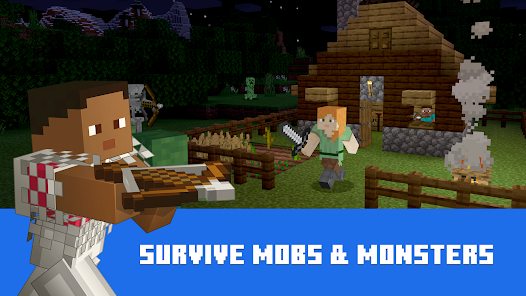
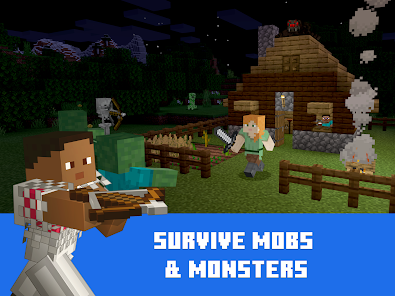
Survival Mode: Gather resources, craft tools, build shelter, and fight hostile mobs. Day-night cycle brings zombies, skeletons, creepers, and spiders at night. You must manage health, hunger, and inventory while exploring caves, mining ores, and discovering villages.
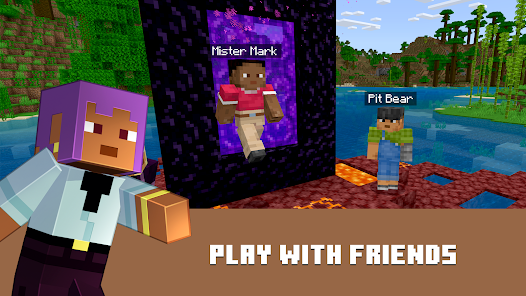
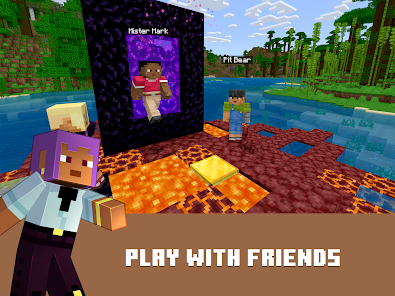
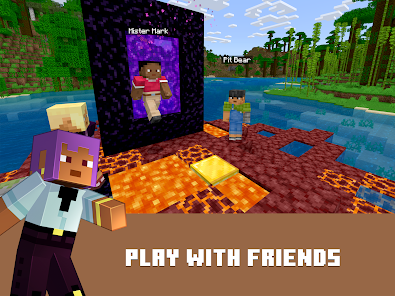
Minecraft supports cross-platform multiplayer with Xbox Live, allowing you to play with friends on PC, console, and mobile. The Bedrock Edition ensures consistent updates and features across all platforms.
Minecraft Key Features
Infinite Worlds
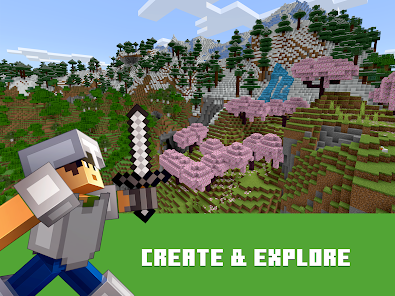
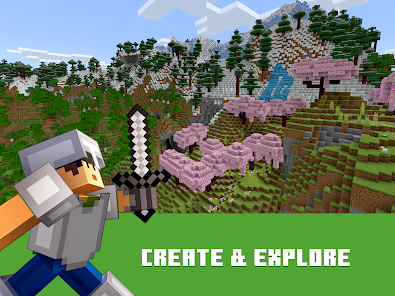
Generate unlimited procedurally-created worlds with diverse biomes including forests, deserts, mountains, oceans, jungles, tundras, and the mysterious Nether and End dimensions.
Creative Building
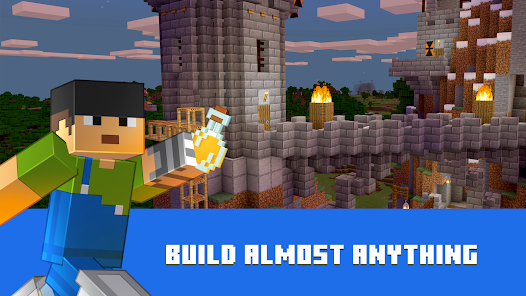
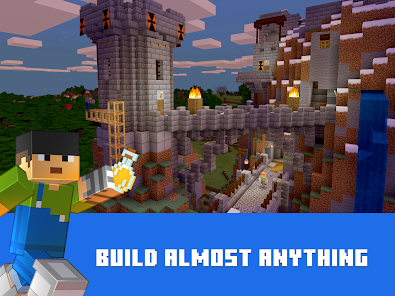
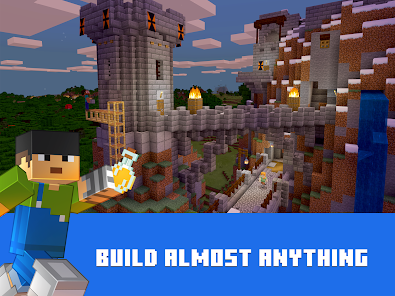
Use over 400 unique blocks to construct anything from simple houses to elaborate castles, working machines, pixel art, and entire cities. Your imagination is the only limit.
Survival Challenges
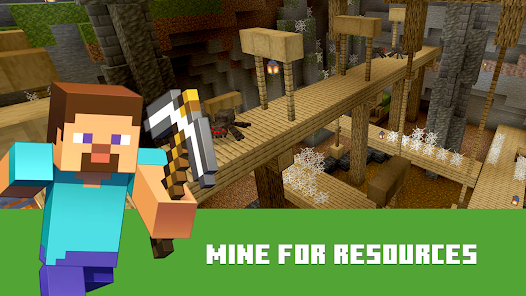
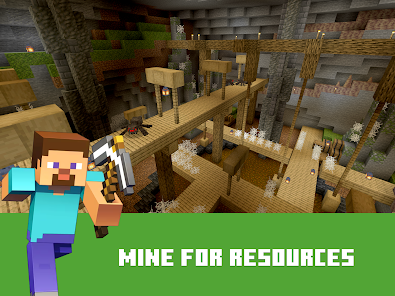
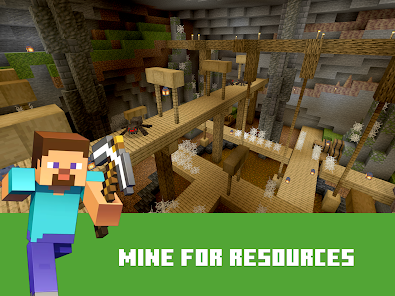
Mine resources like coal, iron, gold, diamonds, and emeralds. Craft weapons, armor, and tools. Build farms for sustainable food. Protect yourself from zombies, skeletons, creepers, endermen, and the deadly Ender Dragon.
Multiplayer Gaming
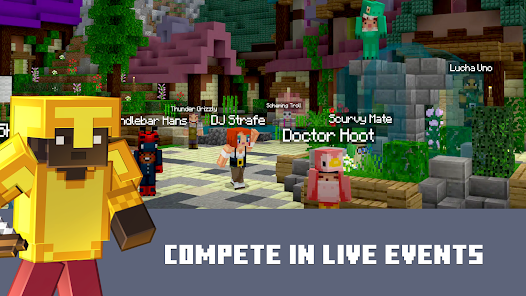
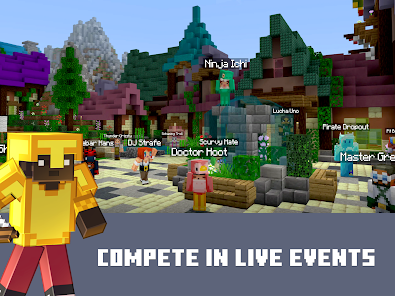
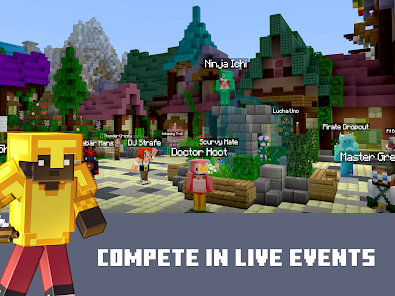
Join friends in the same world through local WiFi or Xbox Live. Collaborate on massive builds, compete in minigames, or survive together against the night’s dangers.
Redstone Engineering
Create complex machines, automatic farms, hidden doors, traps, and contraptions using redstone – Minecraft’s version of electricity. Build calculators, elevators, or even working computers.
Regular Updates
Mojang Studios constantly adds new content including mobs, blocks, biomes, and gameplay mechanics. Recent updates brought copper ore, amethyst geodes, axolotls, goats, and dramatically improved cave generation.
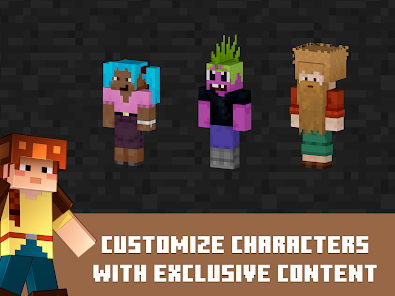
Customization
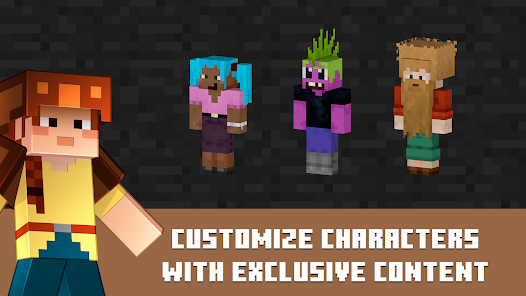
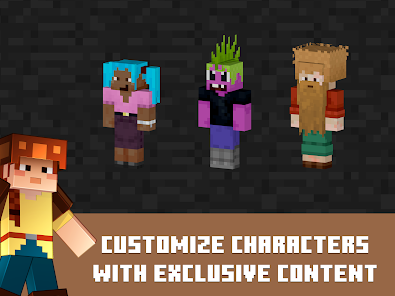
Download texture packs, skins, and worlds from the Minecraft Marketplace. Customize your character’s appearance and game aesthetics to match your style.
What’s New in Minecraft 1.21.132
January 2026 Update
New Features:
– Enhanced cave generation with deeper underground systems
– New mountain biome variations with dramatic peaks
– Improved mob AI for more challenging gameplay
– Additional decorative blocks for creative builders
– Performance optimizations for older Android devices
Bug Fixes:
– Fixed crash when loading certain custom skins
– Resolved multiplayer connectivity issues
– Corrected item duplication glitches
– Improved rendering on devices with limited RAM
– Fixed water physics in specific biomes
Quality of Life Improvements:
– Better touch controls for mobile devices
– Streamlined inventory management
– Faster world loading times
– Reduced battery consumption during gameplay
– Enhanced lighting engine for realistic shadows
Minecraft System Requirements
Minimum Requirements:
– Android Version: 5.0 (Lollipop) or higher
– RAM: 2GB minimum
– Storage: 300MB available space (worlds require additional space)
– Processor: Quad-core 1.5GHz or better
– GPU: OpenGL ES 3.0 support
Recommended for Best Experience:
– Android Version: 8.0 (Oreo) or higher
– RAM: 4GB or more
– Storage: 1GB+ free space
– Processor: Octa-core 2.0GHz+
– GPU: Adreno 530 or Mali-G71 or better
– Internet: WiFi or mobile data for multiplayer
**Note:** Older devices may experience reduced render distance or occasional lag in complex areas.
How to Install Minecraft APK on Android
Step 1: Enable Unknown Sources
Before installing APK files, you must allow installation from sources outside the Play Store.
For Android 8.0 and newer:
1. Open **Settings** on your device
2. Navigate to **Apps** or **Apps & Notifications**
3. Tap the **three-dot menu** → Select **Special Access**
4. Tap **Install Unknown Apps**
5. Select your browser (Chrome, Firefox, etc.)
6. Toggle **Allow from this source** to ON
For Android 7.0 and older:
1. Go to **Settings**
2. Tap **Security** or **Lock Screen and Security**
3. Find **Unknown Sources** and toggle it ON
4. Confirm the warning message
Step 2: Download Minecraft APK
1. Click the **Black/Orange download button** above
2. Your browser will start downloading the APK file (150MB)
3. Wait for the download to complete (check notification bar)
4. You’ll see “Download complete” notification
Step 3: Locate and Install the APK
1. Open your **File Manager** or **Downloads** app
2. Navigate to your **Downloads** folder
3. Find **Minecraft_1.21.132.apk**
4. Tap on the file to open it
Step 4: Review Permissions and Install
1. Android will show you the app’s required permissions:
– Storage access (for saving worlds)
– Network access (for multiplayer)
– Microphone (for voice chat – optional)
2. Review these permissions carefully
3. Tap **Install** to begin installation
4. Wait 10-30 seconds for installation to complete
Step 5: Launch and Play
1. Tap **Open** when installation finishes
2. Or find Minecraft in your app drawer
3. Accept the End User License Agreement
4. Sign in with Xbox Live account (optional, for multiplayer)
5. Start creating your first world!
Troubleshooting Tips:
– If installation fails, delete the APK and re-download
– Ensure you have enough storage space
– Restart your device if the app won’t open
– Check that your Android version meets requirements
Minecraft Beginner’s Guide & Tips
Starting Your First World
Day 1 Survival Priorities:
1. Punch trees to get wood (your first resource)
2. Craft a crafting table (4 wood planks)
3. Make wooden tools (pickaxe, axe, sword)
4. Gather stone by mining with your pickaxe
5. Build a simple shelter before nightfall (zombies spawn at night!)
Essential Crafting Recipes
Crafting Table: 4 wood planks in a 2×2 grid
Wooden Pickaxe: 3 planks + 2 sticks
Stone Tools: Replace wood with cobblestone for durability
Furnace: 8 cobblestone blocks
Bed: 3 wool + 3 wood planks (skips night and sets spawn point)
Chest: 8 wood planks (stores items safely)
Mining Strategy
Layer Guide for Best Ores:
– Y-level 16: Best for diamonds
– Y-level 12-15: Iron, gold, redstone
– Y-level 0-10: Deepslate variants, copper
– Never dig straight down! You might fall into lava or caves
Mob Defense Tips
– Creepers explode when close – keep distance, hit and back away
– Zombies break doors on hard difficulty – use iron doors or buttons
– Skeletons shoot arrows – strafe left/right while approaching
– Spiders climb walls – build overhangs on your shelter
-Endermen teleport and deal heavy damage – don’t look at them
Building Advice
Starter Base Essentials:
– Walls and roof (obviously!)
– Torches every 4 blocks to prevent mob spawning
– Door with pressure plate or button
– Crafting table and furnace
– Chest for storage
– Bed to skip night
– Windows for visibility
Advanced Projects:
– Automatic farms (wheat, carrots, potatoes)
– Mob grinder for resources
– Enchantment room with bookshelves
– Nether portal for fast travel
– Villager trading hall
How to Play Minecraft Multiplayer
Local WiFi Multiplayer (Same Network)
1. Host creates a world:
– Open Minecraft
– Create new world or load existing one
– In world settings, enable “Multiplayer Game”
– Toggle “Visible to LAN Players” ON
2. Friends join:
– Both devices must be on same Wi-Fi network
– Open Minecraft PE on friend’s device
– Tap “Play” → “Friends” tab
– Host’s world appears under “Available for Join”
– Tap to join instantly
Online Multiplayer (Xbox Live)
1. Sign in to Xbox Live (free Microsoft account)
2. Add friends using their Gamertag
3. Invite friends to your world from the pause menu
4. Or join Realms – Mojang’s official servers (subscription required)
Join Community Servers
– Tap “Play” → “Servers” tab
– Choose from featured servers:
– **Lifeboat:** Minigames and survival
– **Mineplex:** Creative and competitive games
– **CubeCraft:** PvP and adventure modes
– **The Hive:** Economy and RPG servers
Cross-Platform Play:** Minecraft players can join friends on Windows 10, Xbox, PlayStation, and Nintendo Switch (all Bedrock Edition).
Frequently Asked Questions About Minecraft APK
Is Minecraft APK safe to download?
Yes! We scan all APK files with multiple antivirus engines before uploading. The Minecraft APK from ApkPrompt is the official, unmodified version from Mojang Studios. No malware, no viruses, completely safe.
Is this the full version of Minecraft?
Yes. This is the complete Minecraft with all features. You can play both Creative and Survival modes, access multiplayer, use skins and texture packs, and receive official updates from Mojang.
Can I play Minecraft offline?
Absolutely! Single-player mode works completely offline. You can build, explore, and survive without internet. Internet is only required for:
– Downloading the initial APK
– Multiplayer with friends
– Downloading additional skins/textures from Marketplace
– Syncing Xbox Live achievements
Will my worlds save if I uninstall?
Your worlds are saved in your device’s storage. However, we STRONGLY recommend:
1. Backing up worlds before uninstalling (Settings → Storage → Export)
2. Uploading backups to Google Drive or cloud storage
3. Keeping worlds safe when switching devices
To transfer worlds to new device: Copy `/games/com.mojang/minecraftWorlds/` folder via USB or cloud.
Can I play with friends on Java Edition?
No. Minecraft PE (Bedrock Edition) and Minecraft Java Edition use different codebases and cannot connect directly. However:
– Bedrock players can join other Bedrock users (Windows 10, Xbox, PS, Switch, Mobile)
– Some servers offer cross-compatibility through plugins
– Most players choose Bedrock for better cross-platform support
How do I update Minecraft?
Method 1 (Recommended): Download the latest APK from ApkPrompt and install over the existing version. Your worlds and settings will be preserved.
Method 2: If you purchased through Google Play, updates install automatically.
Important: Always backup worlds before updating, just in case.
Does Minecraft support mods?
Yes and no. Minecraft doesn’t support Java Edition mods, but it does support:
– Add-Ons: Official modification system (behavior packs and resource packs)
– Texture Packs: Change visual appearance
– Skins: Customize character appearance
– Worlds: Download pre-built creations
Add-ons can add new items, mobs, and mechanics. Find them at mcpedl.com or in the in-game Marketplace.
Can I use a keyboard and mouse?
Yes! Minecraft supports:
– Bluetooth keyboards
– Bluetooth mice
– USB OTG keyboards and mice
– Game controllers (Xbox, PlayStation)
Go to Settings → Keyboard & Mouse or Controller to configure controls.
Why won’t Minecraft install?
Common solutions:
– Free up storage: Need at least 300MB free
– Enable Unknown Sources: Required for APK installation
– Uninstall old version: Remove conflicting installations
– Check Android version: Must be 5.0 or higher
– Re-download APK: File may be corrupted
How much battery does Minecraft use?
Minecraft is graphically intensive. Battery life depends on:
– Your device’s battery capacity
– Graphics settings (lower = less battery drain)
– Screen brightness
– Whether you’re mining/building (intensive) or standing still
**Tips to save battery:**
– Lower render distance to 8 chunks or less
– Reduce fancy graphics to “Fast”
– Dim screen brightness
– Close background apps
– Use power saving mode
Average gameplay time: 2-4 hours on a 4000mAh battery.
Is this legal?
Yes, downloading and installing Minecraft APK is legal. We provide the official version from Mojang Studios. However, we recommend:
– Supporting developers by purchasing from Google Play if possible
– Not distributing the APK to others
– Respecting Mojang’s End User License Agreement
Can I get banned for using APK?
No. Installing from APK instead of Google Play doesn’t violate terms of service. You’re using the official game, just from a different download source. Your Xbox Live account is completely safe.
Download Minecraft APK Today
Minecraft remains the ultimate mobile sandbox experience.
Explore this article
Minecraft – Explore, Build, and Survive in a Blocky AdventureWhat is Minecraft ?Minecraft Key FeaturesWhat’s New in Minecraft 1.21.132Minecraft System RequirementsHow to Install Minecraft APK on AndroidMinecraft Beginner’s Guide & TipsHow to Play Minecraft MultiplayerFrequently Asked Questions About Minecraft APKDownload Minecraft APK Today
Whether you’re a creative builder, survival expert, or multiplayer enthusiast, Minecraft PE delivers endless entertainment wherever you go.
With regular updates, cross-platform multiplayer, and infinite replayability, there’s always something new to discover. From simple dirt houses to massive automated farms, from peaceful villages to dangerous Nether fortresses – your adventure awaits.
**Ready to start building?** Download Minecraft APK now and join millions of players in the world’s most popular sandbox game.
**Last Updated:** January 18, 2026
**File Integrity:** Verified & Scanned
**Download Count:** 500,000+
**User Rating:** ⭐⭐⭐⭐⭐ 4.8/5
What's New
What's new in 1.21.132: Various bug fixes!
Download Download Minecraft APK – Build, Explore, and Survive 2026
All Versions

Minecraft: Dream It, Build It!
1.21.132
apk
7:59 am
